GitHub 美化
beautify-github-profile
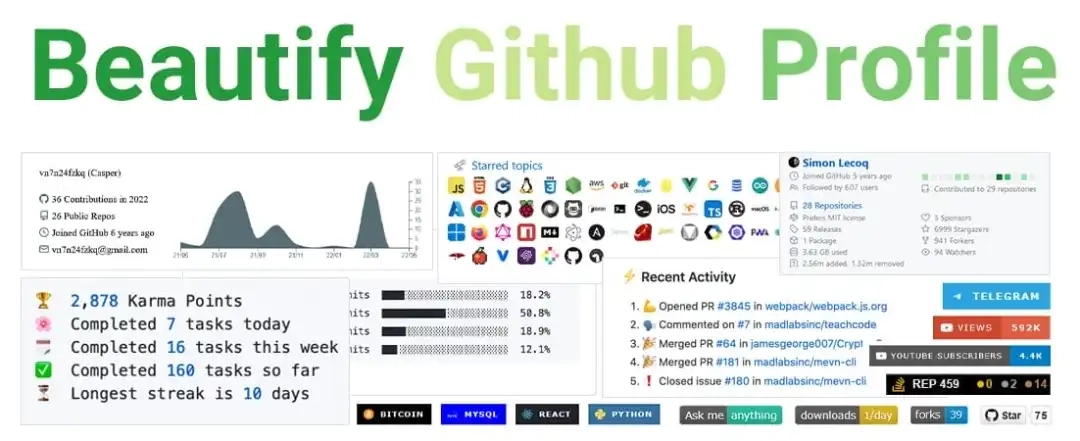
该项目收集了一系列美化 GitHub 个人首页的工具和教程,包括徽章、小部件和各种个性化的元素,打造个性化且美观的 GitHub 个人首页。
GitHub:https://github.com/rzashakeri/beautify-github-profile
Gitfyel
GitHub 个人资料 README 生成器,帮助轻松创建引人注目的 GitHub 个人主页。
主要功能:
- 丰富的徽章库:社交媒体、技术栈、项目状态等
- 多样的徽章类型:GitHub 关注者、Stars、npm 下载量等
- 一键复制 README:直接粘贴到 GitHub 仓库
- 高度可定制性:自定义徽章颜色和文本
字体
在常用的软件中设置自己常用的字体,可以统一视觉体验。
推荐字体
其他字体
- Berkeley Mono:漂亮的等宽字体,有开源平替。
- Zenbones Mono:现代化的等宽字体。
- Font Sensei:谷歌字体选择器,按照标签选择字体,包含中日韩字体。
- Google Sans Code:Google 开源了一款专为程序员打造的等宽字体,主打长时间编码更舒适、阅读更省眼。它针对编程语法细节做了专门调校,小字号依然清晰锐利,并提供 300–800 的可变字重,轻重随心切换。
编辑器主题
VS Code
Kanagawa Theme
从浮世绘《神奈川冲浪里》获取的配色和灵感。
GitHub:https://github.com/rebelot/kanagawa.nvim
vtheme
收集了大量精美的 VS Code 主题。
GitHub:https://github.com/nabinkhair42/vtheme 预览:https://vthemes.nabinkhair.com.np
Obsidian
Notebook Navigator
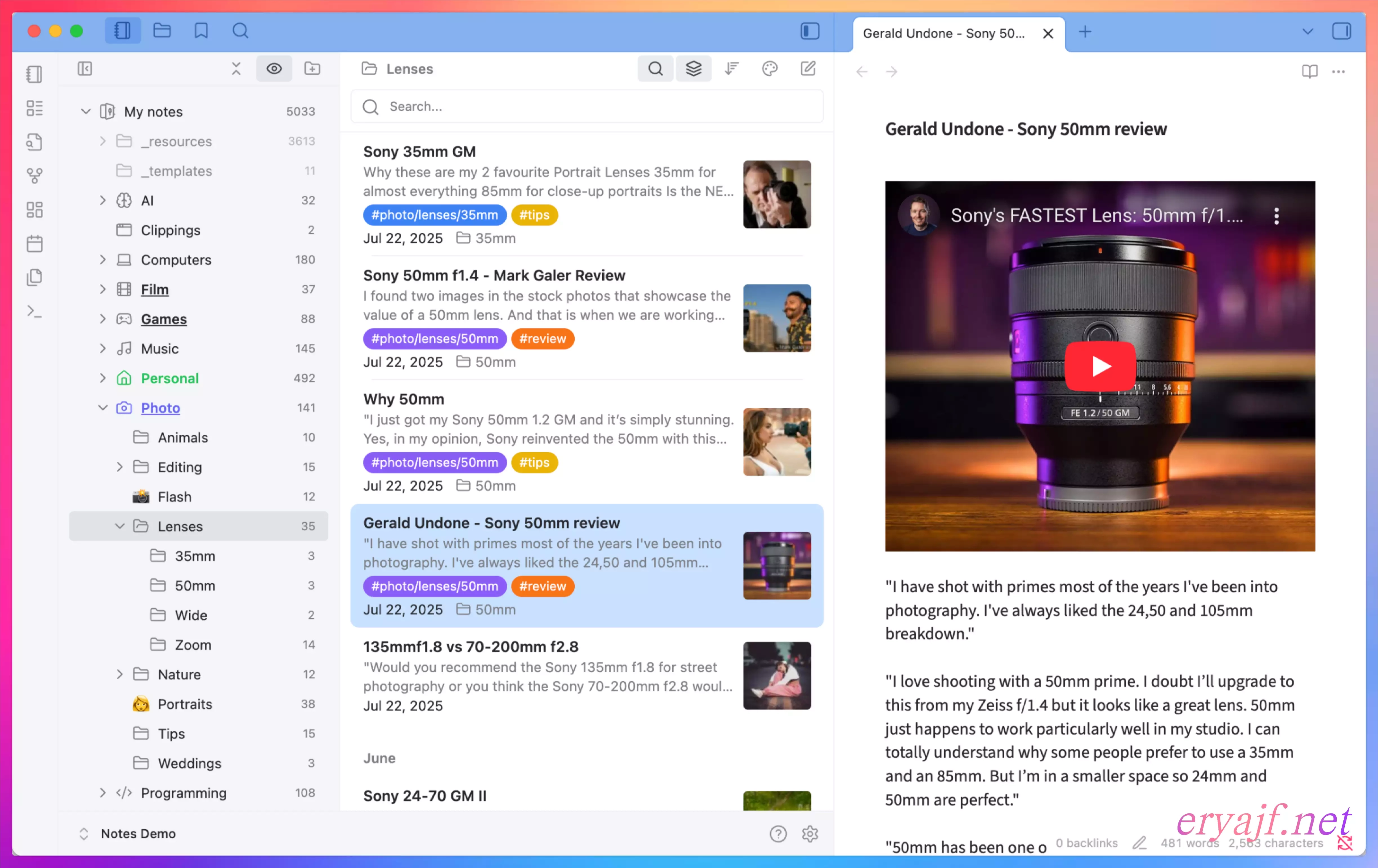
笔记本导航插件,融合了 Apple Notes 的流畅速度、Bear 的优雅美感、Evernote 的高效生产力。
GitHub:https://github.com/johansan/notebook-navigator
Baseline
极简主义主题,提供清爽的笔记界面。
GitHub:https://github.com/aaaaalexis/obsidian-baseline
设计哲学是 “less AND more”:默认提供简洁的界面,同时提供无限的定制可能性。
Neovim
Token
现代化的 VS Code 主题,注重对比度和可读性。
GitHub:https://github.com/palladain/vscode-token-theme
Pixel.nvim
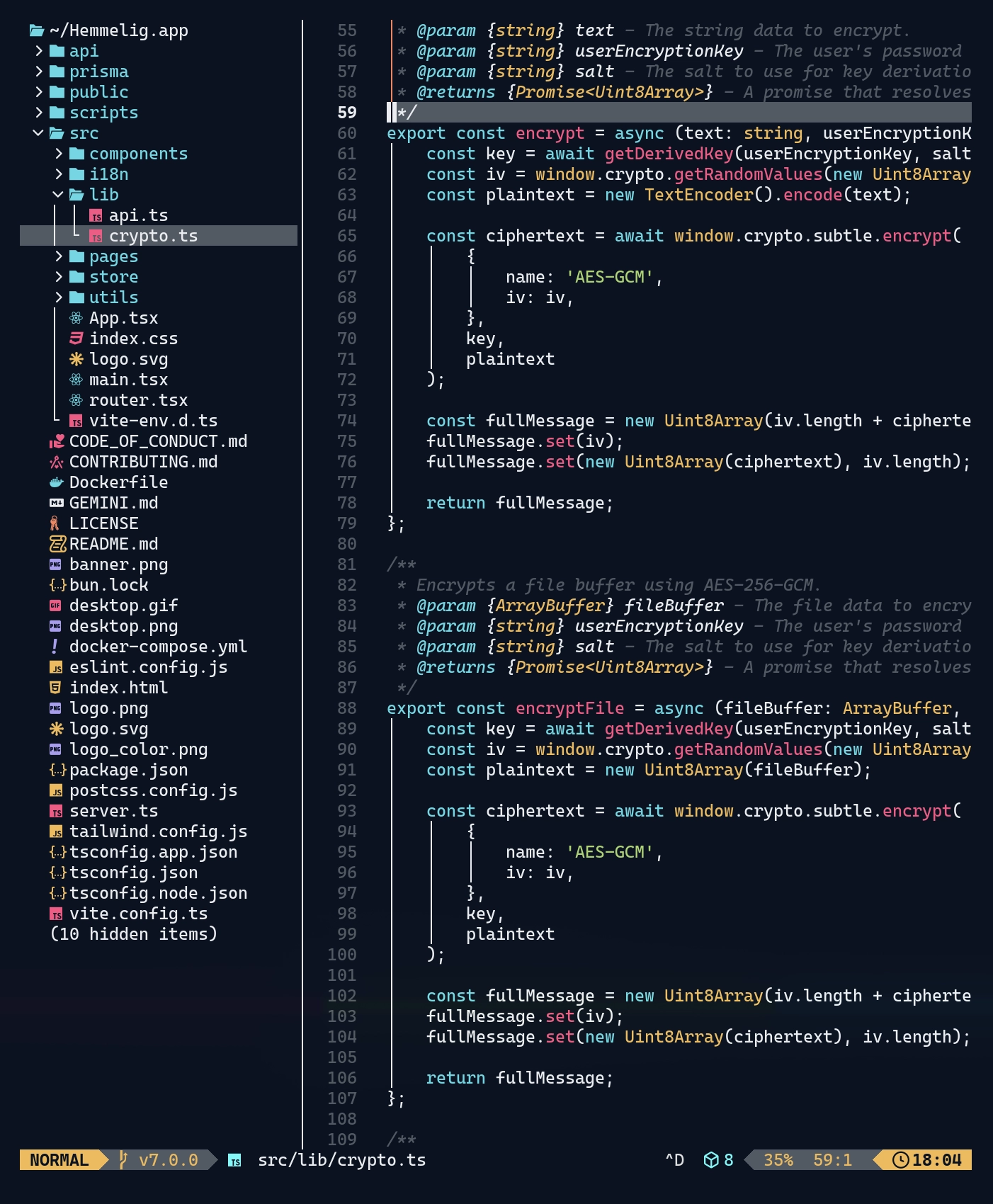
基于终端 ANSI 颜色的 Neovim 主题。
GitHub:https://github.com/bjarneo/pixel.nvim
Kanagawa.nvim
从浮世绘《神奈川冲浪里》获取灵感的配色方案。
GitHub:https://github.com/rebelot/kanagawa.nvim
浏览器主题
Firefox Lab
实验性的 Firefox CSS 主题,提供多种现代化和美化的浏览器界面样式。
GitHub:https://github.com/cyp3rr/firefox-lab
软件字体配置
VS Code
打开 VSCode 的配置,修改配置:
| |
Logseq
在 Settings -> General -> Custom theme -> Edit custom.css 添加:
| |
iTerm2
打开配置 Preferences -> Profiles -> Default -> Font:
Font设置为Fira Code Nerd FontNon-ASCIIFont设置为LXGW WenKai Mono
Typora
在 Typora 的主题文件夹下,创建 base.user.css:
| |
重启 Typora 即可生效。
Miaoyan
轻量级 Markdown 笔记应用,专为 macOS 设计。
主要特点:
- 本地优先,支持 iCloud Drive
- 无账号、无追踪、无数据收集
- 三栏布局,编辑器和预览区并排显示
- 实时渲染,60fps 双向滚动同步
- 支持 LaTeX 数学公式、Mermaid 图表
- 演示模式:将 Markdown 转换为幻灯片
- Swift 6 原生开发,性能优异